// the story
It's 2am. You opened a Claude Code session an hour ago. Since then you've read three Stack Overflow threads, stared at a function for twelve minutes, and made exactly zero prompts.
Then you glance at the context bar.
67%. It went up. You didn't type anything. You didn't ask anything. The model isn't thinking. But the quota? The quota doesn't care. It just keeps climbing — steady, indifferent, inevitable — like the fare on a cab that's been stuck in gridlock on the way to JFK for the past forty minutes.
The driver shrugs. The meter ticks. You're not going anywhere, but it's still going to cost you.
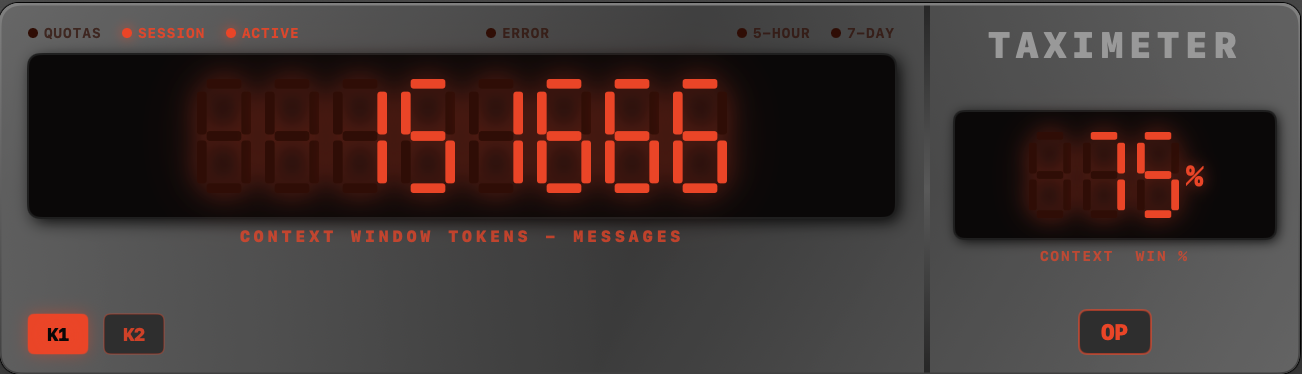
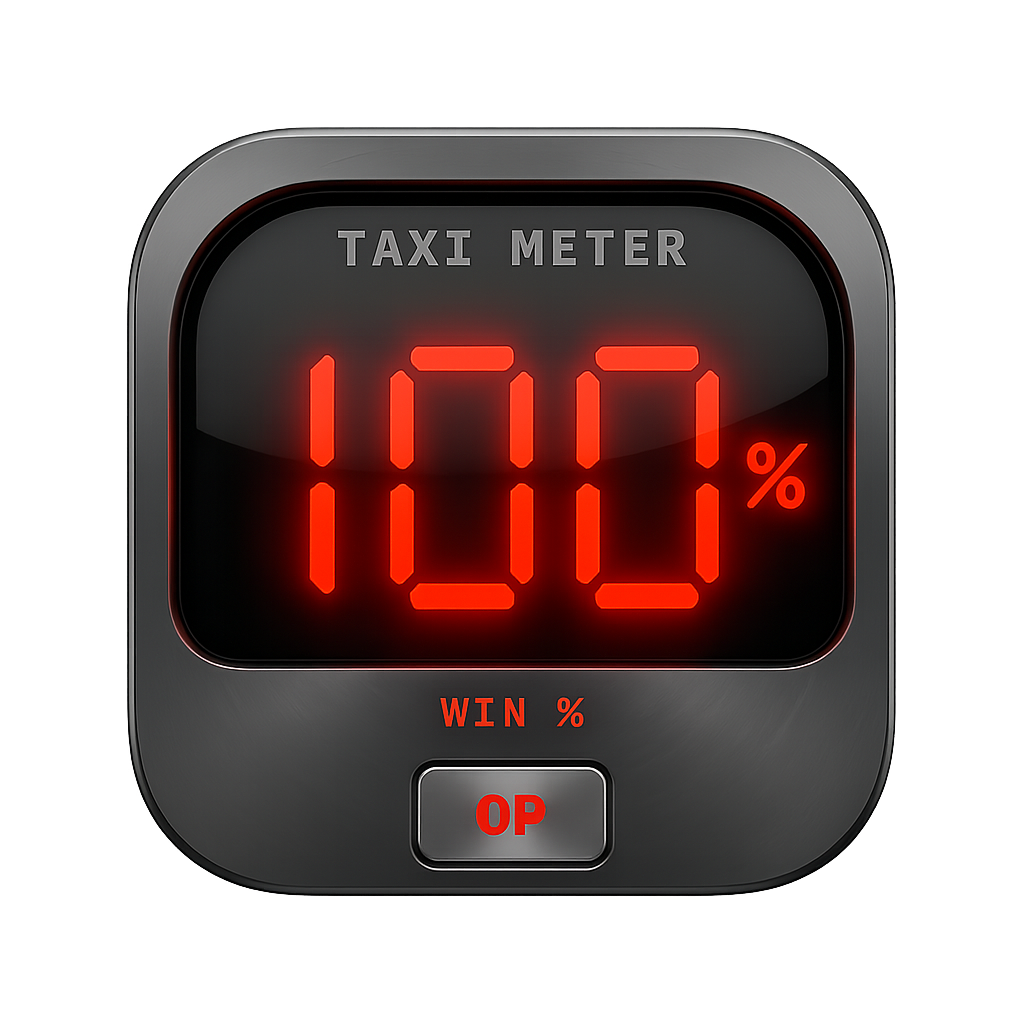
Tassametro — Italian for "taximeter" — brings that beautiful existential dread to your desktop. A floating, always-on-top panel styled after a real taxi fare meter, showing your Claude Code token usage in glorious red 7-segment LED digits. Watch your context window fill up in real time. See your plan quota drain away. At least now you can watch it happen in style.
The meter is always running. You might as well enjoy the ride.